Capture, annotate, ship. In seconds.
Smox is a free Chrome extension for capturing full pages, custom selections, or whole batches of URLs, then annotating, redacting, and exporting them without leaving your browser.
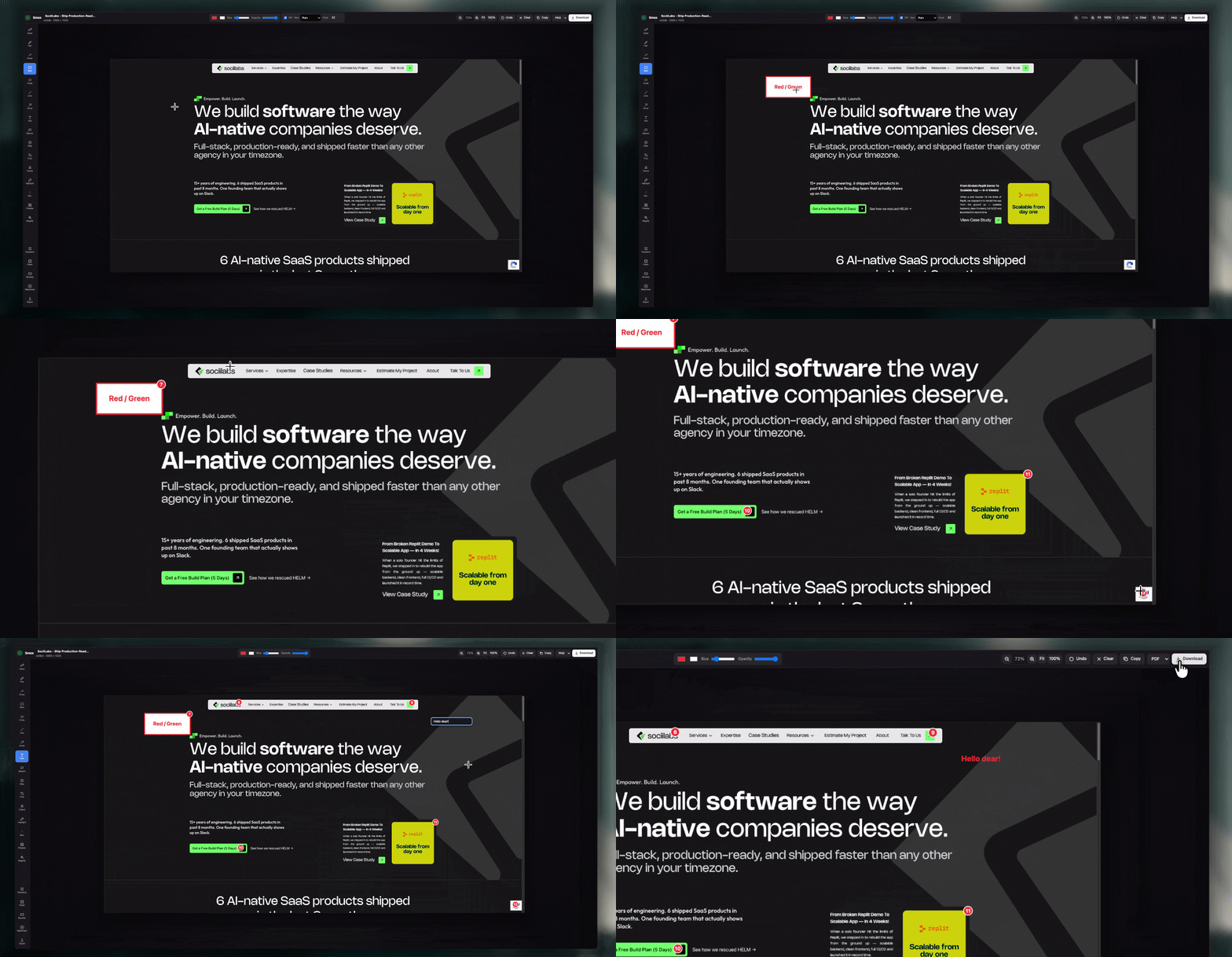
Every way to capture, built in.
Smox handles the parts of screenshotting that normally take three other tools — long pages, lazy-loaded images, sticky headers — so one extension is enough.
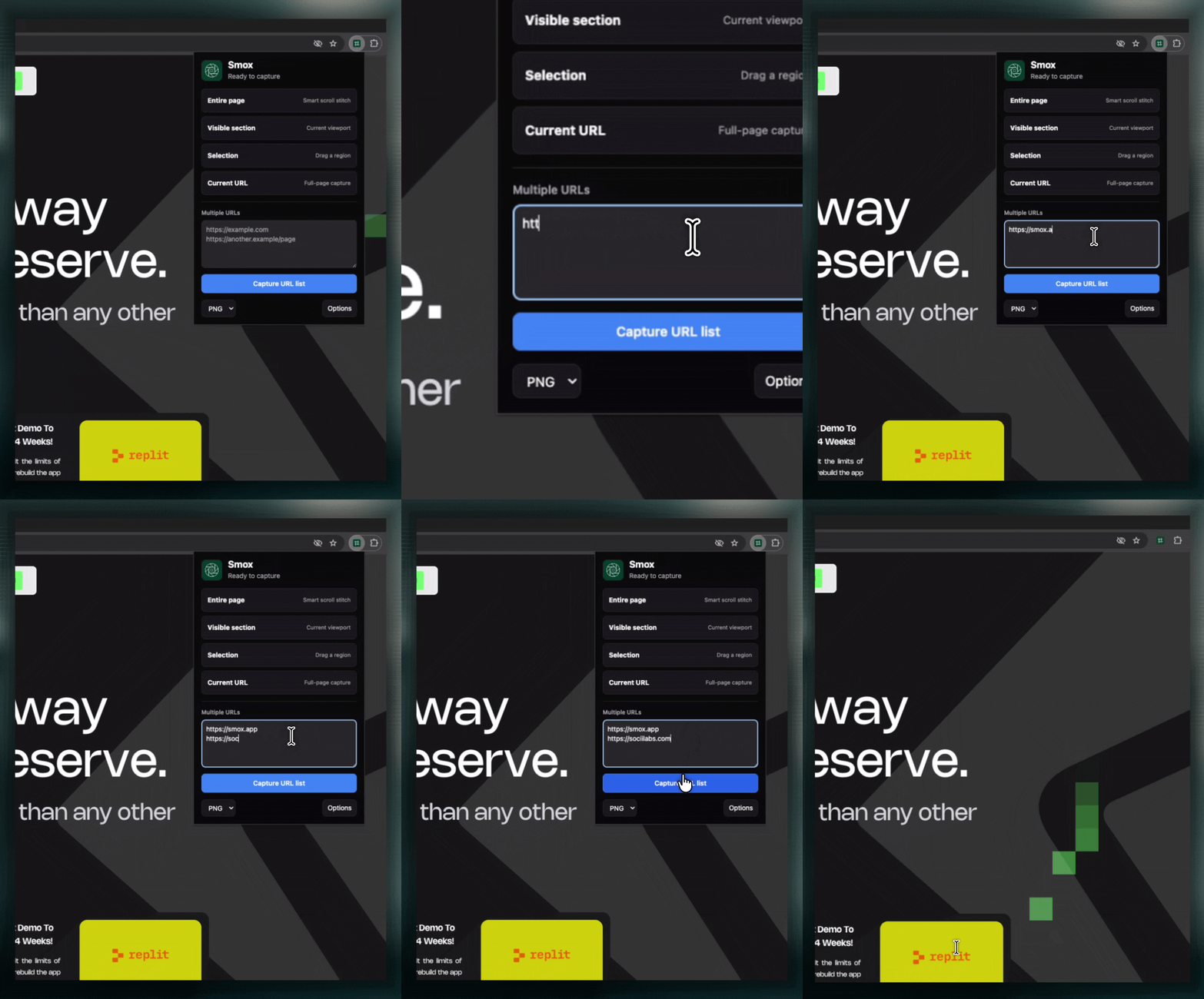
Batch capture, not one tab at a time
Paste a list of URLs, newline or comma separated, and Smox opens each one, captures it, and can auto-close the tab when it’s done. Built for anyone who screenshots more than one page at a time.
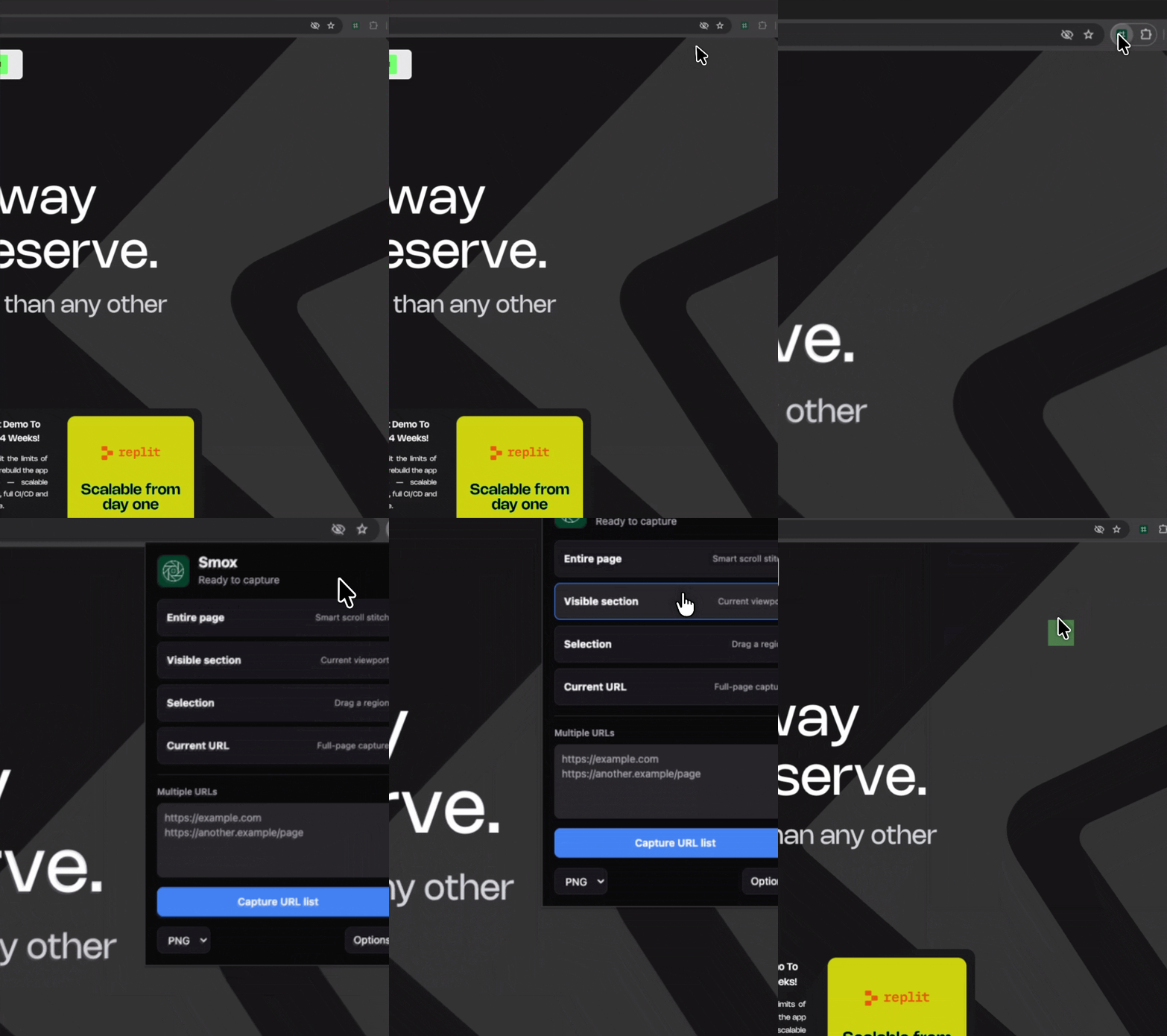
Capture that actually finishes loading first
Smox freezes CSS animations, pauses video, and waits for lazy-loaded images and fonts before it captures. Sticky headers get de-duplicated automatically on long pages, so you don’t end up with the same nav bar pasted six times.
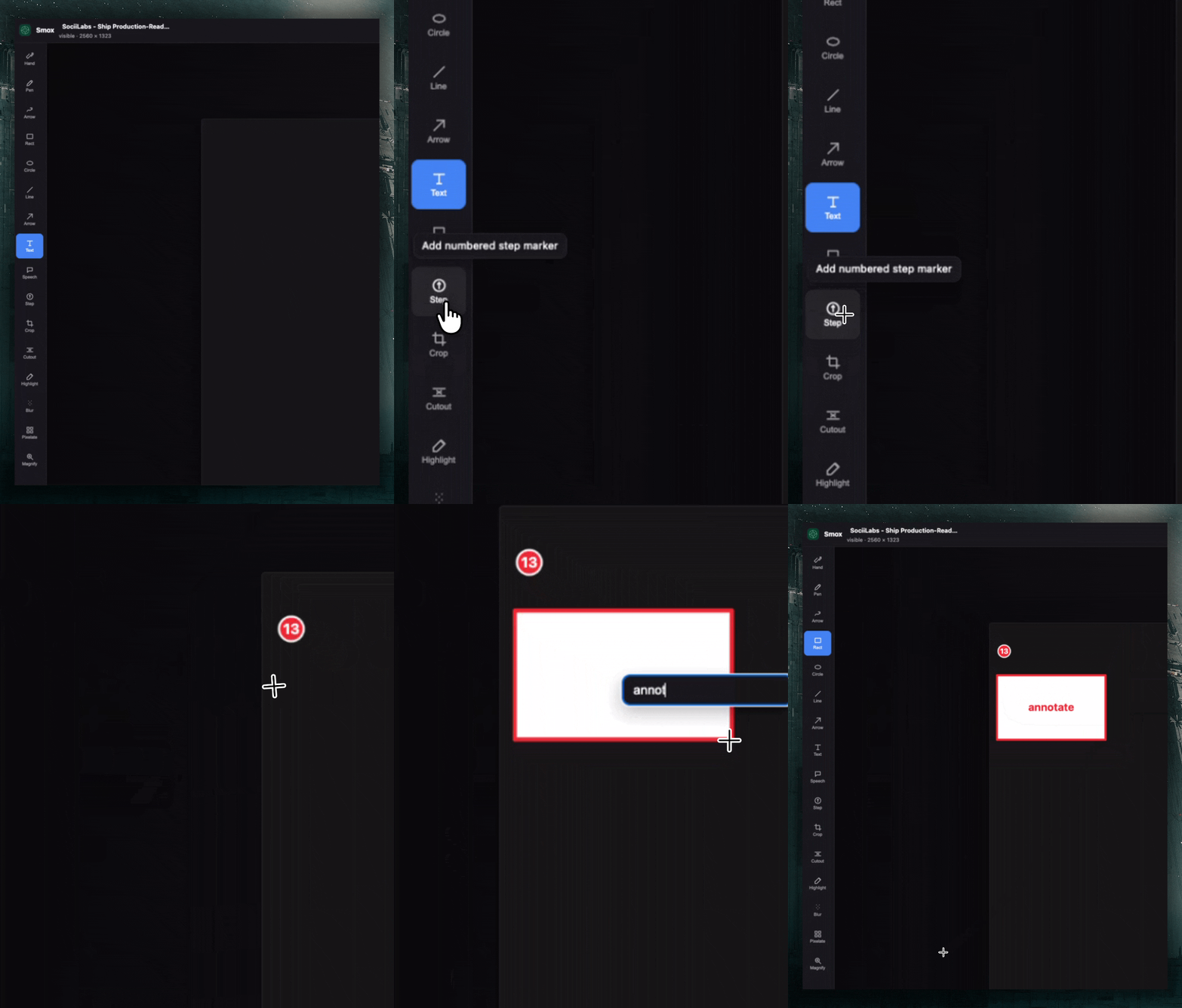
A full editor, with nothing leaving your browser
Annotate, blur, pixelate, crop, and export, all client-side. Your images stay on your machine; Smox doesn’t talk to any third-party service.
One extension, every capture you’ll need.
Every feature below ships in the base install. Nothing here is locked behind a tier.
Five capture modes
Full page, visible viewport, custom selection, current tab, or a batch of URLs. Pick the one that fits what’s on screen.
A real annotation toolkit
Pen, shapes, arrows, speech bubbles, auto-numbered steps, and text with three style presets. Mark up a screenshot the way you’d mark up a printed page.
Redaction and focus tools
Blur and pixelate to hide sensitive information, cutout to remove strips entirely, magnify to call out detail. Built for screenshots that have to go outside the company.
Three export formats
PNG with transparency, JPG with adjustable quality, or a single-page PDF. Copy straight to clipboard when you don’t need a file at all.
Beautify on export
Soft gradient, organic blobs, mesh gradient, polka dot, or solid backgrounds, with configurable padding, corner radius, and shadow. Turns a plain screenshot into something you’d post.
Keyboard shortcuts that don’t get in the way
Alt+Shift+V for visible area, Alt+Shift+F for full page, Alt+Shift+S for selection. Remap any of them from chrome://extensions/shortcuts.
Your first screenshot is 10 seconds away.
Install Smox, hit a shortcut or the toolbar icon, and you’re capturing. There’s no setup screen between those two steps.

What early testers are saying.
All quotes below are placeholders — swap them for real tester feedback before launch.
Free. Every feature. No catch.
No tiers, no trial period, no upsell screen. Everything in the sections above is included the moment you install.
 Smox
Smox
$0
Forever. No tiers, no trial period, no upsell screen.
- Five capture modes
- Full annotation and redaction toolkit
- PNG, JPG, and PDF export
- Beautify backgrounds and watermarking
- Keyboard shortcuts and context menu
- Batch URL capture
Built and given away for free by SociiLabs.
Frequently asked questions
If you have anything else you want to ask, reach out to us.
Is Smox really free? Is there a catch?
Yes, and no catch. Every feature listed on this page is included from install. There’s no premium tier and no feature gating in the current build.
What happens to my screenshots? Are they uploaded anywhere?
No. Capturing, editing, and exporting all happen locally in your browser. Smox has no external API integrations and doesn’t send your images anywhere.
Does it work on long pages or infinite-scroll sites?
Yes. Smox scroll-stitches full-height pages, including infinite scroll, and de-duplicates sticky headers so they don’t appear multiple times in the final image.
Can I capture more than one page at once?
Yes. Paste a list of URLs, newline or comma separated, and Smox opens, captures, and optionally closes each tab automatically.
What can the built-in editor actually do?
Draw and annotate with pen, shapes, arrows, and speech bubbles. Blur, pixelate, crop, or cutout sections. Resize, rotate, flip, and add a styled background before exporting to PNG, JPG, or PDF.
Does Smox need an account or login?
No. There’s no sign-up step. Install it and start capturing.
What permissions does Smox need, and why?
Smox requests access to capture the active tab, save downloads, and run on the pages you choose to capture. It doesn’t need or request anything beyond what capturing and exporting requires.
Will there be a paid plan later?
Not in the current build. If that changes, anything you’ve already installed and configured won’t be taken away from you without clear notice.
How do I report a bug or request a feature?
Reach out to us — [insert your actual contact method: email, GitHub issues, or feedback form].